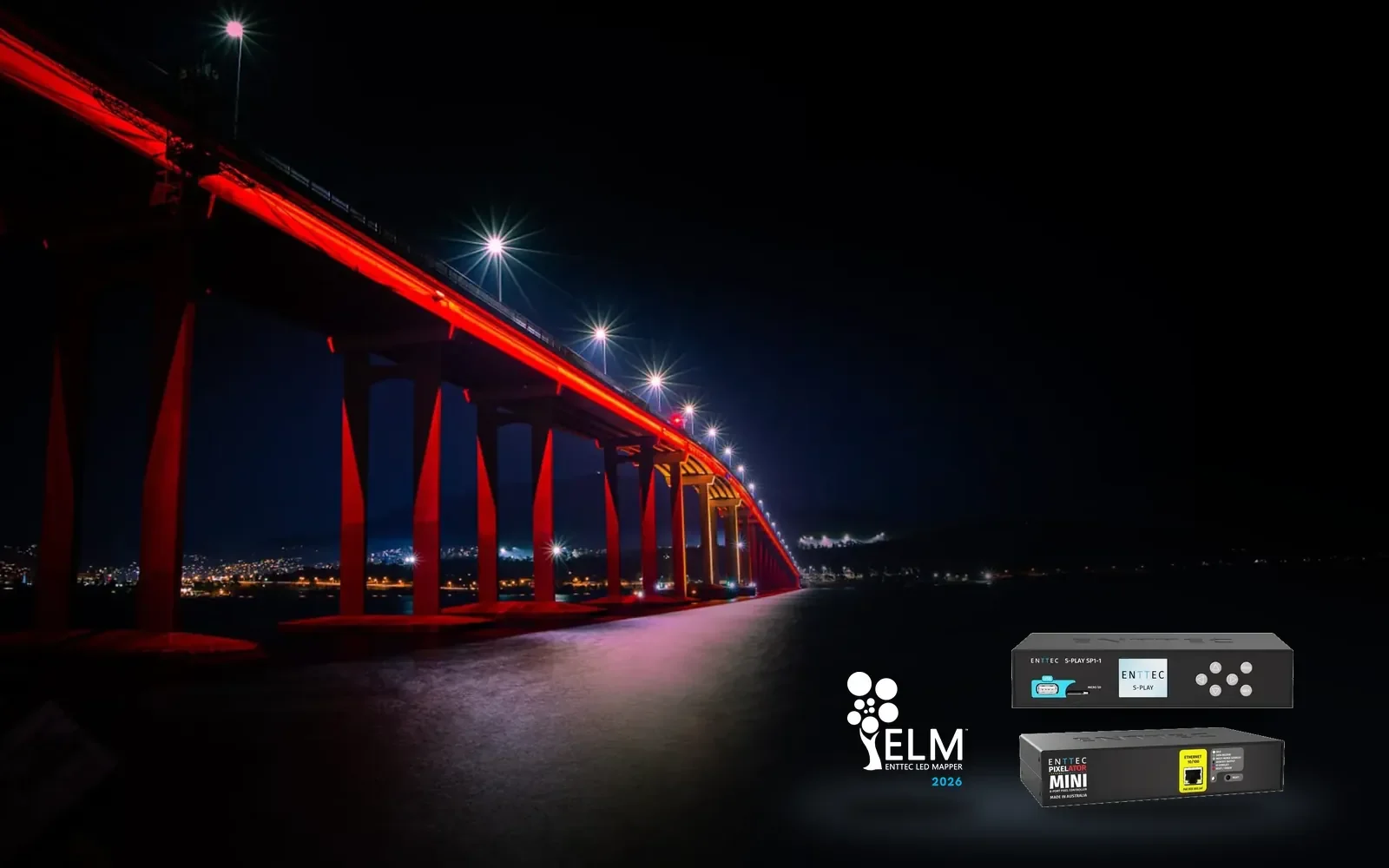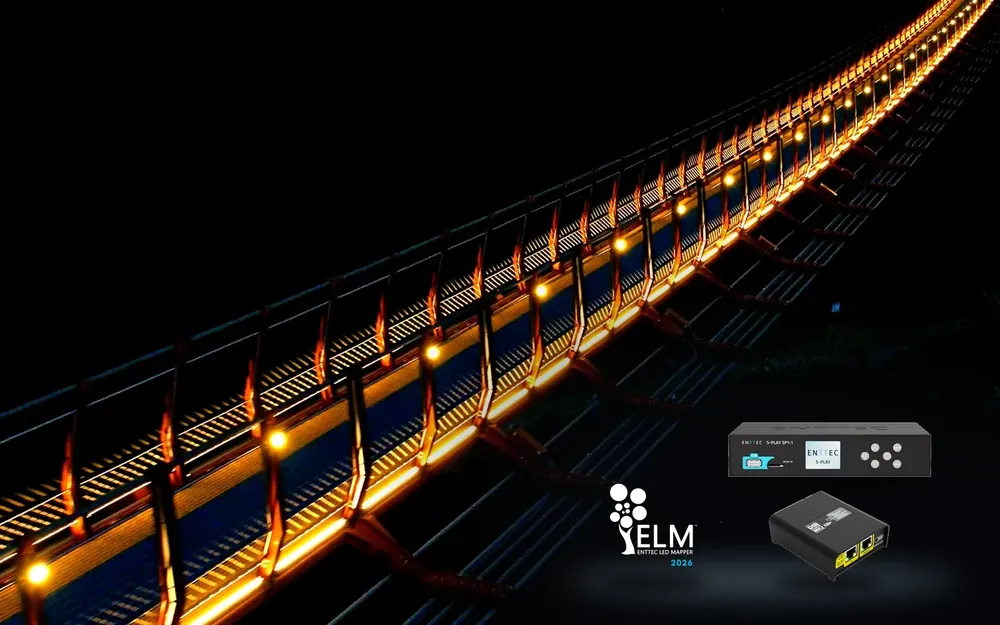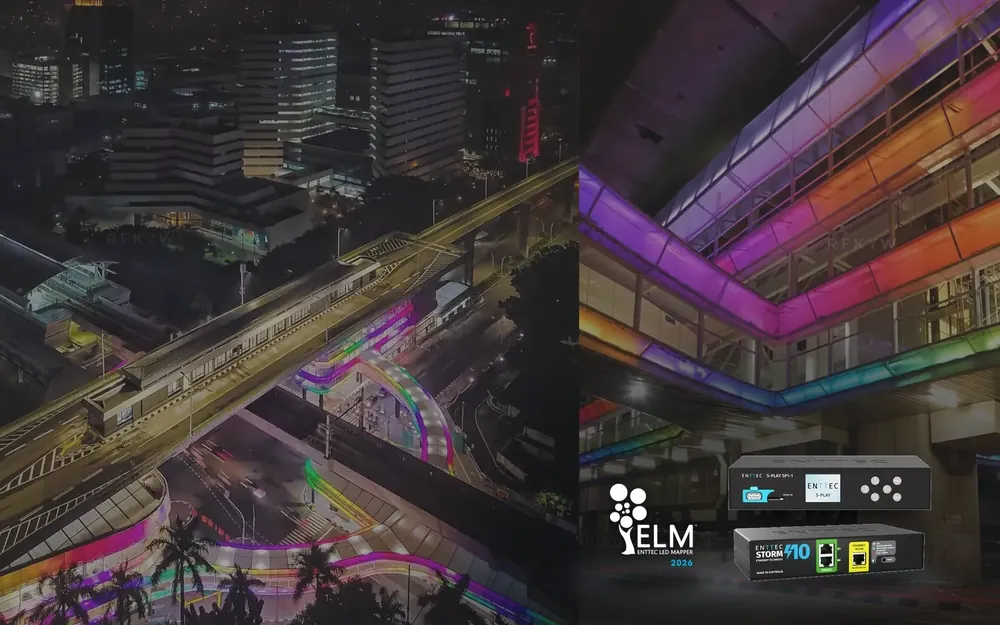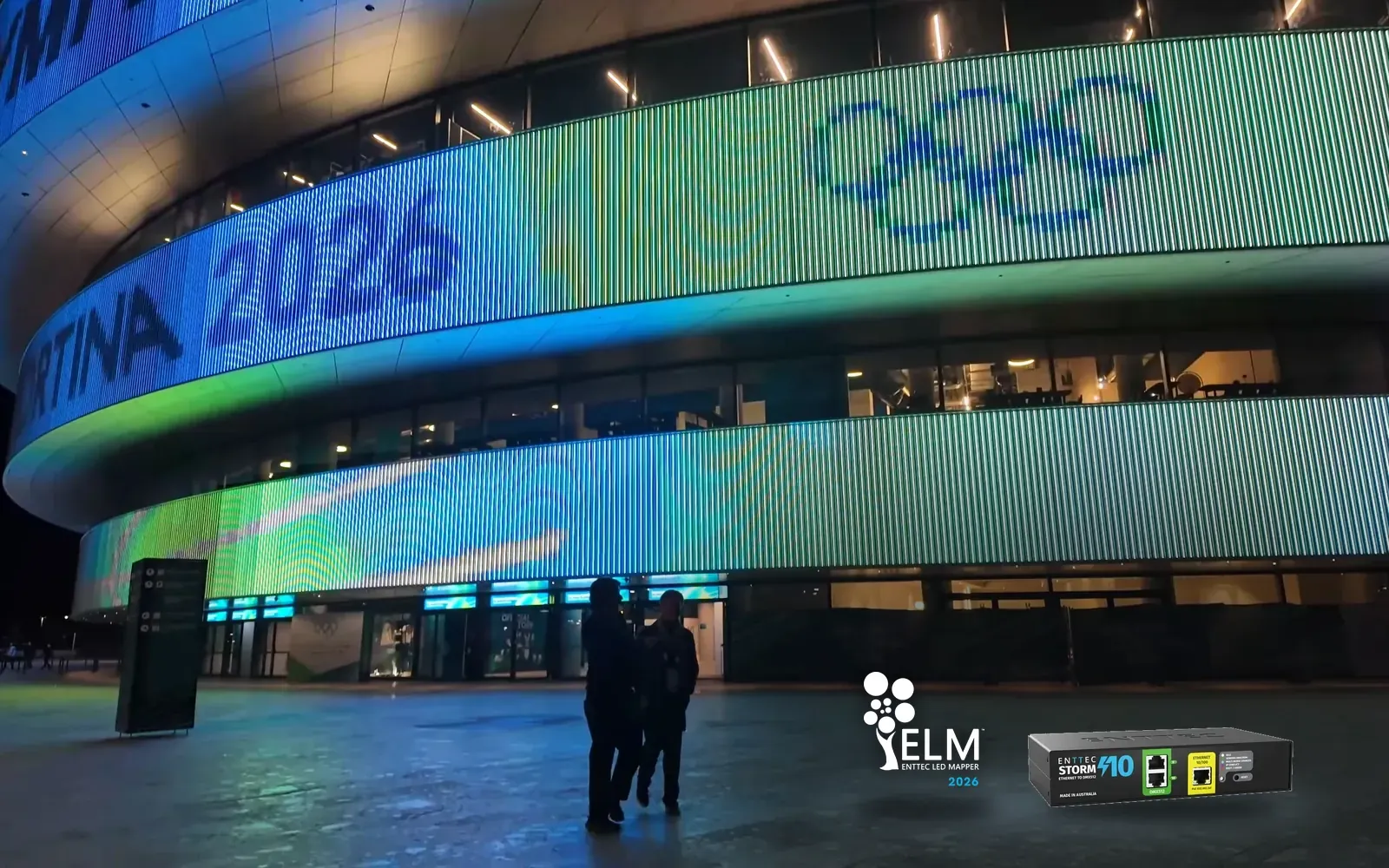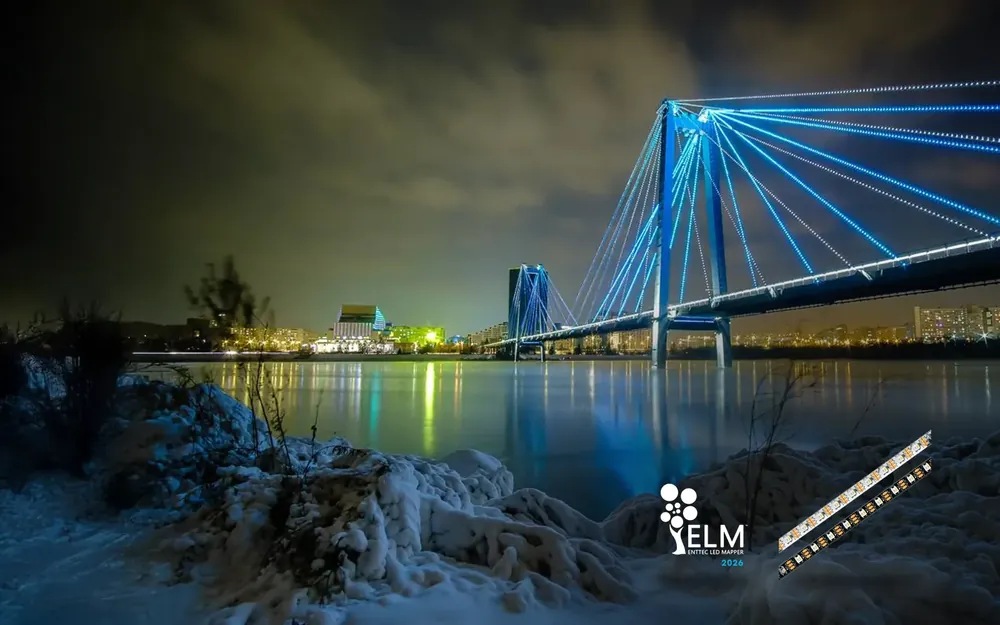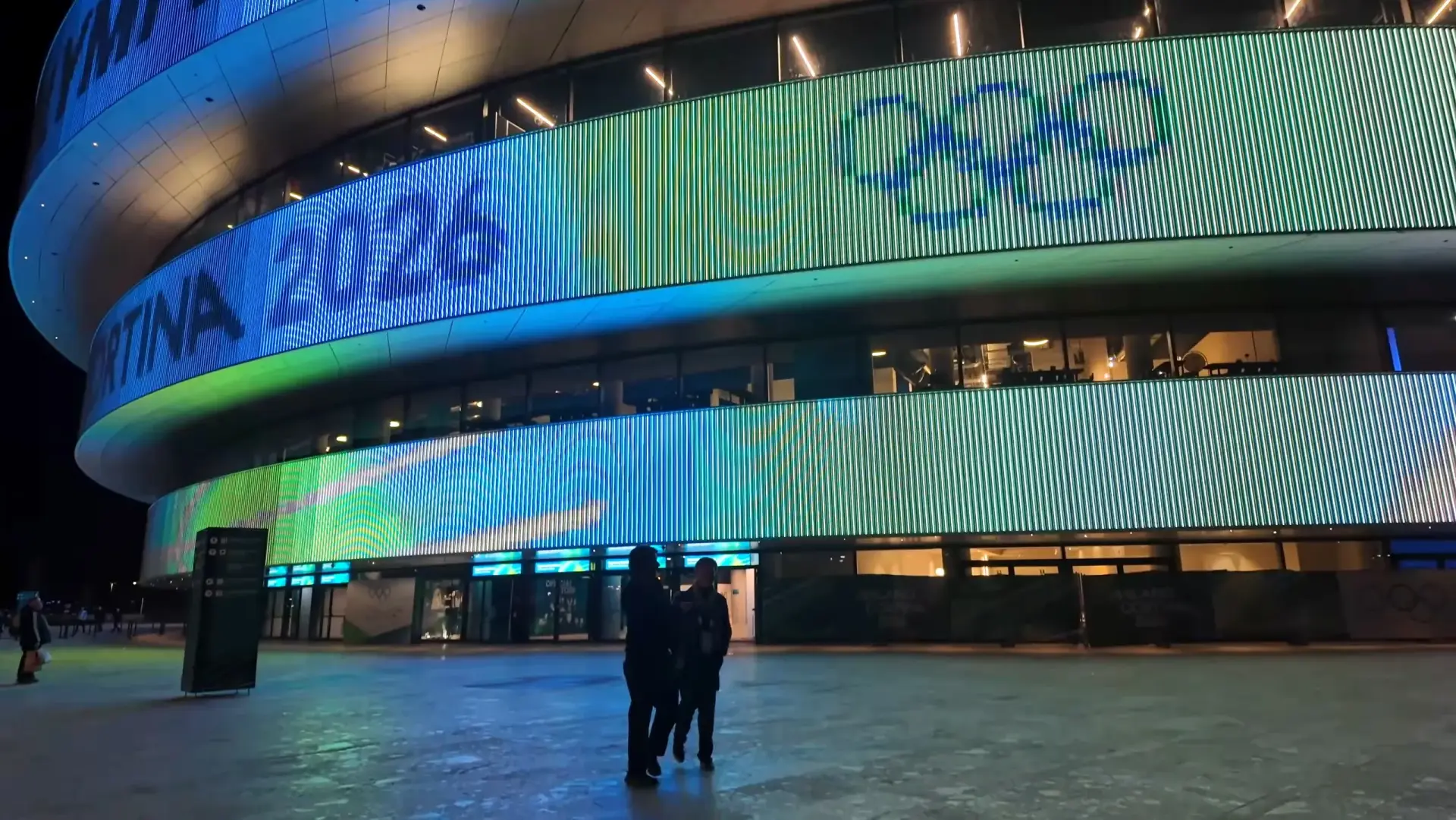
Arena Milano at night, its media facade lit by ENTTEC controllers

For facades, bridges and permanent LED installations

Architectural lighting control

ENTTEC architectural lighting control runs facades, bridges and permanent LED installations unattended, from one universe to tens of thousands.

Arena Milano media facade, Milan, 2026

What a permanent install needs

  • Runs 24/7 without a PC

    Shows play from a dedicated controller, so there is no computer on site to crash, update or replace.

  • Schedules and timed shows

    Set shows to start and stop by time of day and date, so the building changes its look on its own.

  • Network control

    Manage every controller from one laptop on the site network instead of visiting each unit.

  • Fixture health alerts

    Sentry, in ELM Architectural, checks every fixture over RDM and alerts your team by email or SMS when one fails, so nobody has to watch a screen.

    See how Sentry works

  • Scales from one universe to tens of thousands

    Start with a single sign and grow to a city-scale show on the same system. ELM Architectural reaches 32,768 universes per output protocol with universe packs.

  • Triggers from other building systems

    Building management and show systems can fire scenes over OSC, UDP, DMX, Art-Net and sACN.

  • DIN-rail mounting

    Controllers mount on standard DIN rail inside the electrical cabinet, next to the rest of the building plant.

How the ENTTEC system fits together

Design once, then let dedicated hardware play it back and drive the lights.

  1. Design and pixel mapping

    Map every fixture and build the show in ELM.
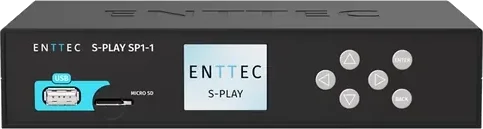
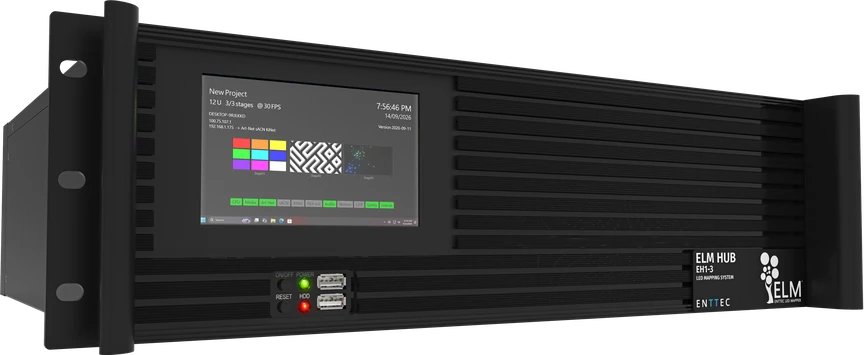
  2. S-PLAY SP1-1 show controllerELM HUB media server

    Playback and scheduling

    Shows run stand-alone, on a schedule or on a trigger.
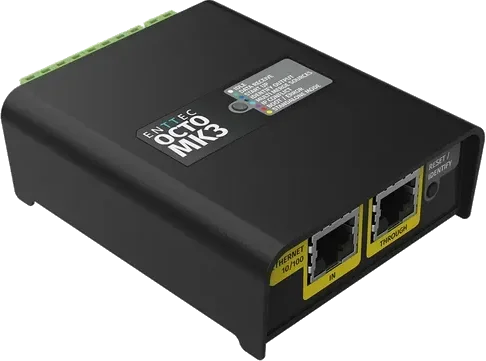
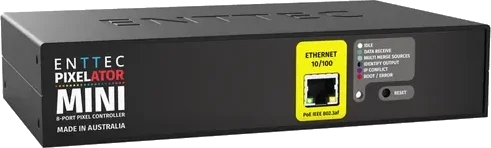
  3. OCTO MK3 pixel controllerPixelator Mini pixel controller

    Pixel output

    Network data turned into signal for the LED pixels.
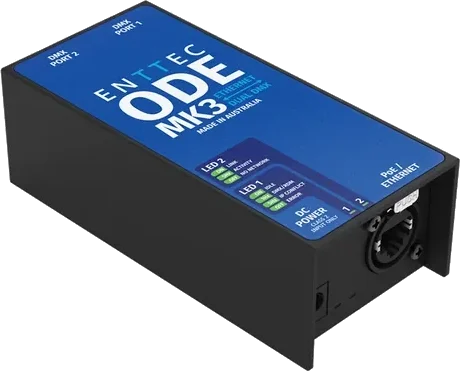
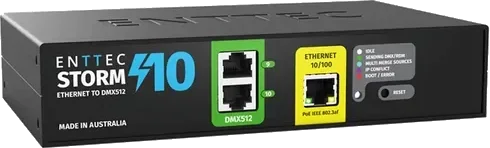
  4. ODE MK3 Ethernet to DMX nodeSTORM 10 Ethernet to DMX gateway

    DMX distribution

    DMX out to washes, floods and the rest of the rig.

Choose by project size

Three typical starting points, each with a system diagram drawn with our support engineers. Your ENTTEC specialist will size the exact system with you.
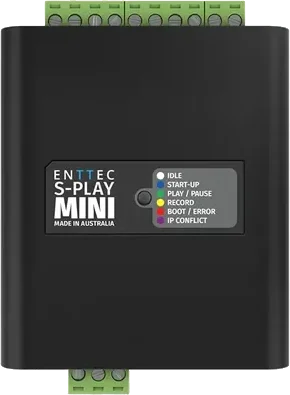
Choose by project size
S-PLAY MiniA single sign or featureS-PLAY Nano or MiniSee how it runsMost facades start hereS-PLAY SP1-1OCTO MK3A building facadeS-PLAY SP1-1 with STORM 10 or OCTO MK3See how it runsELM HUBA landmark or city-scale showELM Architectural on ELM HUBSee how it runs
UniversesUp to 4Up to 32Up to 32,768
PlaybackStand-alone, no PCStand-alone, no PCDedicated server
SchedulingTriggers, or loops on power-upYesYes
Network controlOn the site networkOn the site networkOn the site network
MountingDIN railDIN railRack
  • S-PLAY Mini

    A single sign or feature

    S-PLAY Nano or Mini

    Universes
    Up to 4
    Playback
    Stand-alone, no PC
    Scheduling
    Triggers, or loops on power-up
    Network control
    On the site network
    Mounting
    DIN rail
    See how it runs
  • Most facades start here
    S-PLAY SP1-1OCTO MK3

    A building facade

    S-PLAY SP1-1 with STORM 10 or OCTO MK3

    Universes
    Up to 32
    Playback
    Stand-alone, no PC
    Scheduling
    Yes
    Network control
    On the site network
    Mounting
    DIN rail
    See how it runs
  • ELM HUB

    A landmark or city-scale show

    ELM Architectural on ELM HUB

    Universes
    Up to 32,768
    Playback
    Dedicated server
    Scheduling
    Yes
    Network control
    On the site network
    Mounting
    Rack
    See how it runs
DMX, 1 universeLED fixturesIlluminated sign or featurePush buttonMotion sensorRelay out toother equipmentLaptop, any web browserPLAYINGENTTECS-PLAY Mini12‑24V DC

How a small sign or feature runs

One S-PLAY Nano or Mini plays a sign's show on its own from power-up, with a push button and a motion sensor to change what it plays.

  1. The kit: an S-PLAY Mini or Nano, a power supply, LED fixtures on one DMX universe, a push button, a motion sensor and a laptop.
  2. Build the show in the S-PLAY web interface, in a web browser: record cues from DMX or use the effects generator, then drag cues, events and triggers into a playlist.
  3. Unplug the laptop. The playlist loops from power-up, so the sign lights on its own with no PC on site.
  4. The motion sensor or the button triggers a different playlist, and the relay switches the other equipment.

Swipe to look around the diagram.

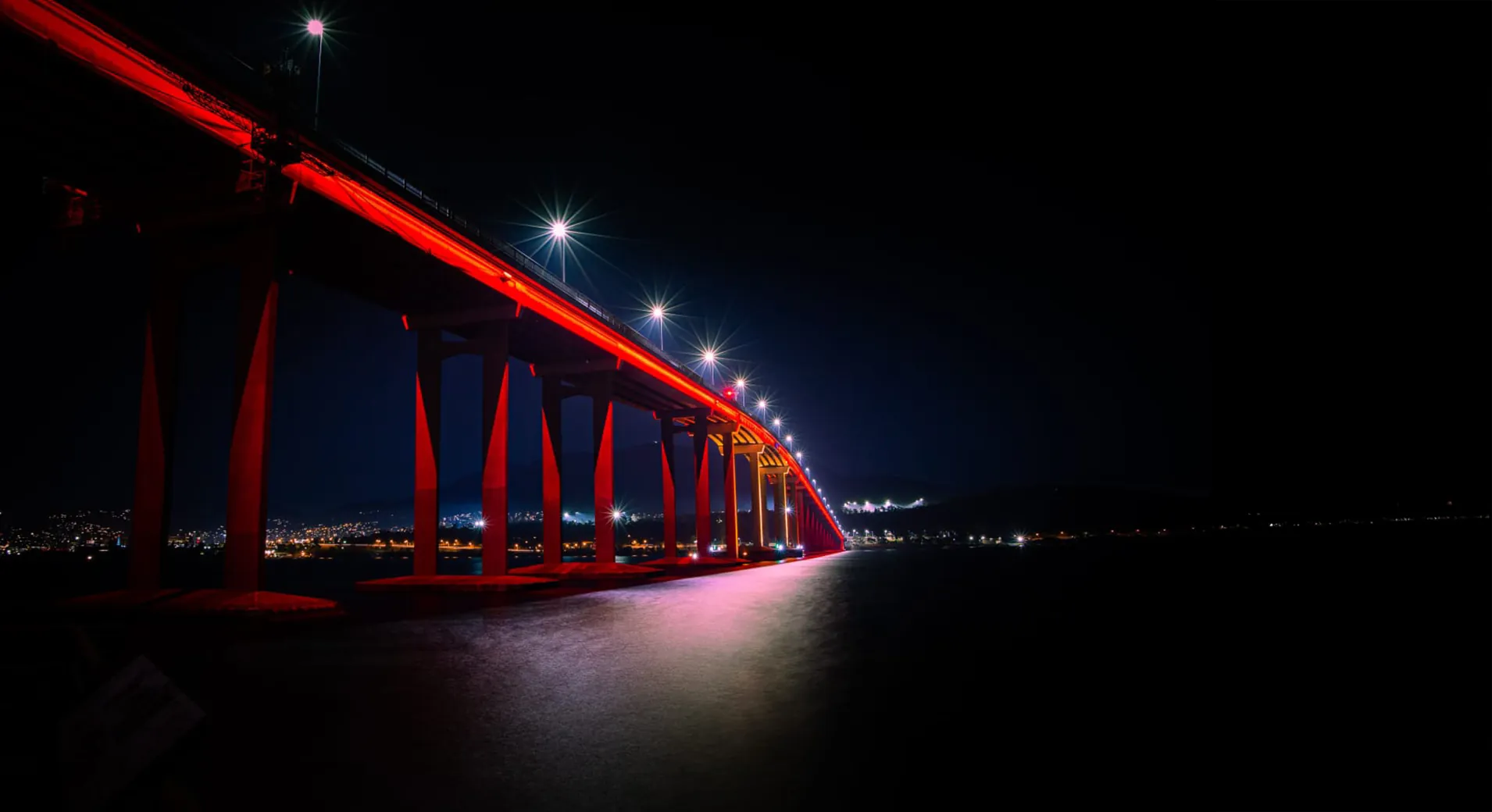
Tasman Bridge

  • The whole span lit magenta and purple at night, hillside suburbs and city lights scattered behind it
  • The bridge picked out in warm orange along its full length, seen across black water with broken reflections
  • Looking along the line of red piers from beneath, a broad gold pool of light on the water below the span
DecroluxChameleon14W RGBWDecroluxChameleon14W RGBWDecroluxChameleon14W RGBWDecroluxChameleon14W RGBWDecroluxChameleon14W RGBWDecroluxChameleon14W RGBWDecroluxChameleon14W RGBWDecroluxChameleon14W RGBWENTTEC CVC4ENTTEC CVC4ENTTEC CVC4ENTTEC CVC4ENTTEC CVC4ENTTEC CVC4ENTTEC CVC4ENTTEC CVC4ENTTECPixelator MiniENTTECPixelator MiniENTTECPixelator MiniENTTECPixelator MiniENTTECPixelator MiniENTTECPixelator MiniENTTECPixelator MiniENTTECPixelator MiniENTTEC S-PlayENTTEC S-PlayENTTEC LED Mapper(ELM) software

How Tasman Bridge runs

Two S-PLAYs run the bridge over the network: warm white most nights, scheduled colour shows for special events, and remote access to change shows.

  1. The kit: ELM, 2 S-Plays, network switches, 8 Pixelator Minis, 200 CVC4s and 1920 RGBW modules.
  2. Most of the time the bridge is lit warm white. The W in each RGBW module matches the 3000K of the old fluoro bars.
  3. RGBW lets the bridge change colour at will. The show runs from the S-Play over the network to the Pixelator Minis, then through the CVC4s to the modules.
  4. The S-Plays are on the network, so they can be reached remotely to change shows by hand or update programs.
  5. Scheduled colour shows mark special events: red for Dark Mofo, pink for Women's Health Week, blue for Men's Health Week.

Daewangam Park Footbridge

  • The span at night from across the water, a bright arc over the headland with magenta and blue reflections and tetrapods in the foreground
  • Later in the evening from the same bay, the bridge running red and orange with pink light stretched across the water
  • A technician at the control cabinet with a monitor at dusk, the bridge glowing red and amber through the pines behind him
End-user devices(e.g. PC, laptop, smartphone)Internet4G LTE routerLaptop runningENTTEC ELMsoftware & OSCENTTEC S-PLAYButtonsENTTEC OCTOENTTEC OCTOENTTEC DIN ETHERGATEENTTEC DIN RDS4Able to controlremotely fromSeoul!

How Daewangam Park Footbridge runs

ELM on a server lights the whole bridge through 28 OCTOs and the DIN gateways. Passers-by can change the show with a button, and it can be controlled from Seoul.

  1. The kit: 28 OCTOs, 2 DIN Ethergates, 8 DIN RDS4s, ELM, an S-PLAY SP1-1, a network switch and a 4G LTE router.
  2. ELM streams the show out to the OCTOs, DIN Ethergates and DIN RDS4s, and the whole bridge lights up.
  3. A passer-by presses a button, and the S-PLAY triggers a different show on the ELM server.
  4. Through the 4G LTE router, the bridge can be controlled remotely from Seoul on a PC, laptop or smartphone.

CSW skybridge

  • Dusk view along the MRT line, the lit skybridge in the foreground and the Jakarta skyline stacked up behind it
  • Motorcyclists waiting at a crossing under the curved walkway, its underside washed in orange, green and blue
  • Traffic passing beneath the bridge under the illuminated ASEAN station sign, the canopy above lit green and red
ControlRoomPixel-mapped showprogrammed usingENTTEC LED Mapper.ENTTEC S-PLAYENTTEC S-PLAYMonitoring PCNetworkSwitchNetworkSwitchNetworkSwitchENTTECSTORMENTTECSTORMRGBW Wall WashersRGBW Wall WashersRGBW Wall WashersRGBW Wall WashersRGBW Wall WashersRGBW Wall WashersRGBW Wall WashersRGBW Wall WashersTo moreENTTECSTORMs +light fixtures4G LTE routerInternetEnd-user device,e.g. PC/laptop/smartphone.Access show remotelyfrom anywhere in theworld using the S-PLAY'ssecure SSH connection.

How CSW-ASEAN TOD Skybridge runs

Shows built in ELM run from two S-PLAY SP1-1s to 8 STORM 10s and 44 universes of wall washers, on set schedules, with remote access through a 4G LTE router.

  1. The kit: ELM, 2 S-PLAY SP1-1s, network switches, 8 STORM 10s and 44 universes of RGBW wall washers.
  2. The light shows were pixel mapped and programmed in ELM, then loaded into the two S-PLAYs.
  3. The S-PLAYs stream Art-Net through the switches to the 8 STORMs, which drive the wall washers.
  4. The S-PLAYs play the shows on set schedules, including special occasions and holidays.
  5. The show can be reached from anywhere in the world through the 4G LTE router, using the S-PLAY's secure SSH connection.

Sentryin ELM Architectural

Know the moment a light goes dark

On a facade or a bridge, fixtures fail quietly in the hardest places to reach. Sentry watches every one over RDM, around the clock, and tells your team by email or SMS while it is still a heads-up, not a dark pixel on a landmark.

It checks temperature, voltage and current against each fixture's own normal range. Its deep checks run only while the rig is dark and stop the moment a show starts, so they never interrupt one that's playing.

Sentry is included with the ELM Architectural plan. See Sentry in ELM
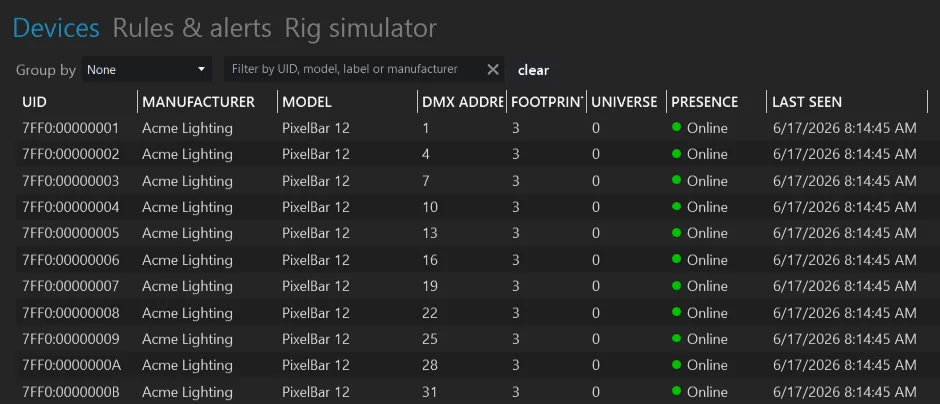
ELM Sentry Devices view listing 288 RDM fixtures across 3 gateways, each with its address, universe, online status and the time it was last seen
The Devices view in Sentry: every RDM fixture on site, with its address, universe, online status and when it last answered.
  1. Alerts by email or SMS

    Rules and alerts decide who hears about a fault, and how.

  2. Grouped by gateway or zone

    Group the site, like North Facade or Bridge Span, and see which part has the problem.

  3. Live status for every fixture

    Each fixture shows whether it is online and when it last answered.

The Devices view in Sentry: every RDM fixture on site, with its address, universe, online status and when it last answered.

ELM Sentry Devices view listing 288 RDM fixtures across 3 gateways, each with its address, universe, online status and the time it was last seen

Why ENTTEC

A permanent installation needs a supplier that is still there years after handover.

  • Award-winning software

    ELM won Best Lighting Control Software at the 2017 Live Design awards.

  • Local support

    Regional offices and a dealer network that can support your site after handover.

  • Built to stay installed

    Long product availability, so a facade installed today can still be serviced years from now.

Questions about architectural lighting control

Can the show run without a computer?

Yes. S-PLAY and ELM HUB play shows stand-alone, so no PC needs to stay on site. A computer is only needed to build or change the show.

How do I schedule shows by time of day?

Set schedules on the S-PLAY SP1-1 and it plays your shows at the times and dates you choose, repeating daily, weekly, monthly or yearly, or at sunrise and sunset where the site is. A second schedule stops everything at a set time, so nobody needs to be on site. Turn on NTP and the clock sets itself from the network. On a larger site one S-PLAY leads, and the playlists and schedules you build on it sync to the follower units so every controller plays together.

How many universes can one system drive?

From one universe on a small feature up to 32 on an S-PLAY SP1-1. For landmark and city-scale shows, ELM Architectural starts at 256 universes and grows to 32,768 per output protocol with universe packs, and ELM HUB is built to run it at that size.

Can the building management system trigger scenes?

Yes. Scenes can be triggered over OSC, UDP, DMX, Art-Net and sACN, so a building management or show control system can change what plays.

Can I update the show remotely?

You can control it from anywhere: link an S-PLAY to your ENTTEC account and it gets its own secure web address (firmware 3.3.0 or later). Shows are built and edited on any computer, and sending a new show to the controllers needs one laptop on the site network.

Where do the controllers mount?

S-PLAY, OCTO and the DMX gateways mount on standard DIN rail in an electrical cabinet, alongside the rest of the building plant.
Plan your installation with a specialist

Tell us about the building and the look you want. We will help you size the system and find a local installer.