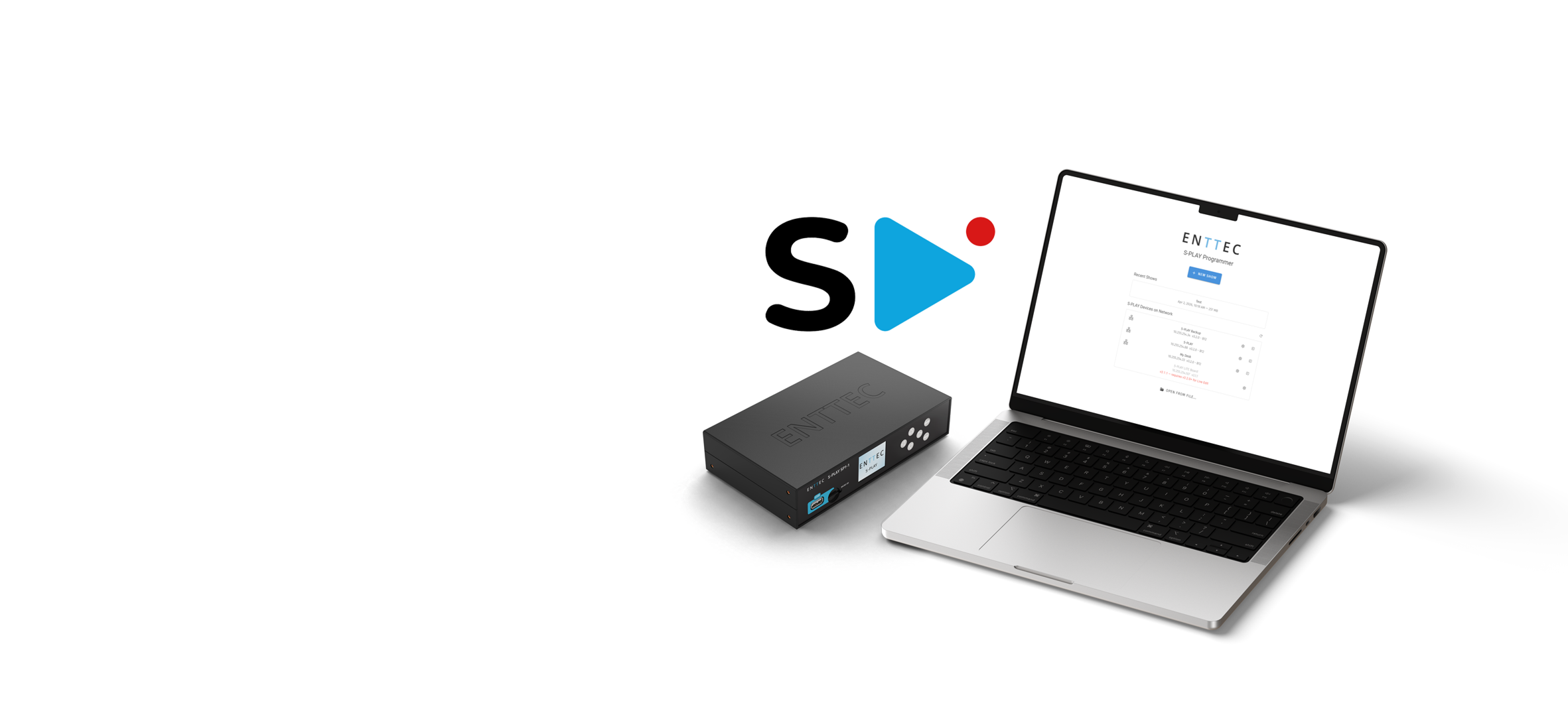
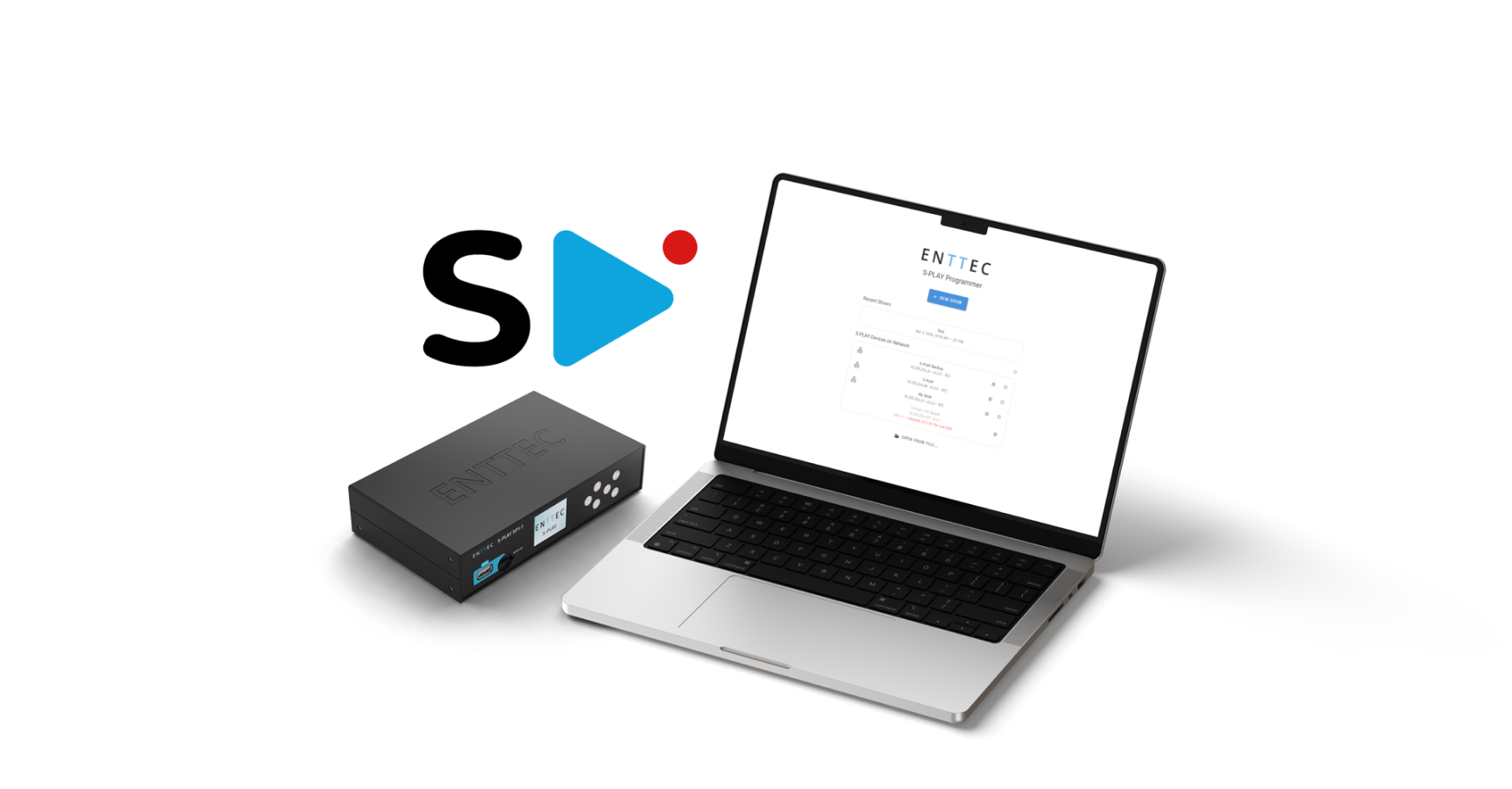
What it does
Hours back on every installation
Everything the S-PLAY's browser interface builds, this builds too. It just does it on your computer, before you get to site.
Saves time
Spend less time on site
Build and refine shows beforehand, then deploy when you arrive. Site time becomes commissioning rather than programming, and you can quote a job or demo it before a single S-PLAY is bought.
With no S-PLAY attached there is no DMX output, so build a fixture layout and preview it with a Scene Cue on screen instead.
Update existing installations more easily
Extract the existing show, edit it on your computer and redeploy it rather than starting again. You do not need the original project file, or the person who made it.
Both directions overwrite without asking, so save your work first: Extract replaces your workspace, Deploy replaces what is on the device.
Manage larger, multi-controller installations
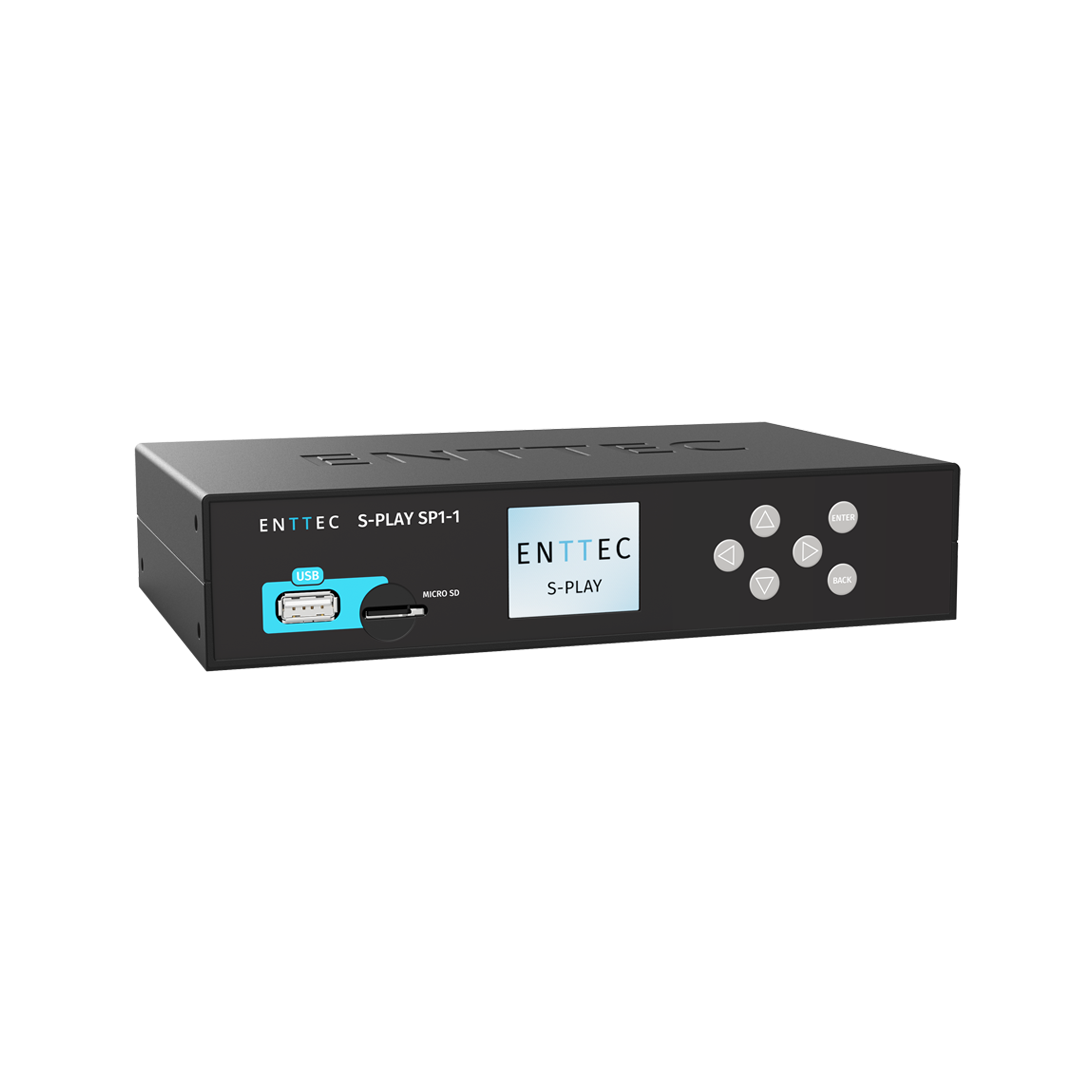
Discover S-PLAY SP1-1 and LITE units over the network, live-preview and deploy across multiple devices from one place. Your computer has to be on that same network, and you switch between units as you work instead of walking to each one.
Create complex animated content
much faster
Scene Cues generate the animation instead of recording it, so an hour of content bakes in about a minute. See it happen in the tutorial
Fits how you already work
The interface you already know
-
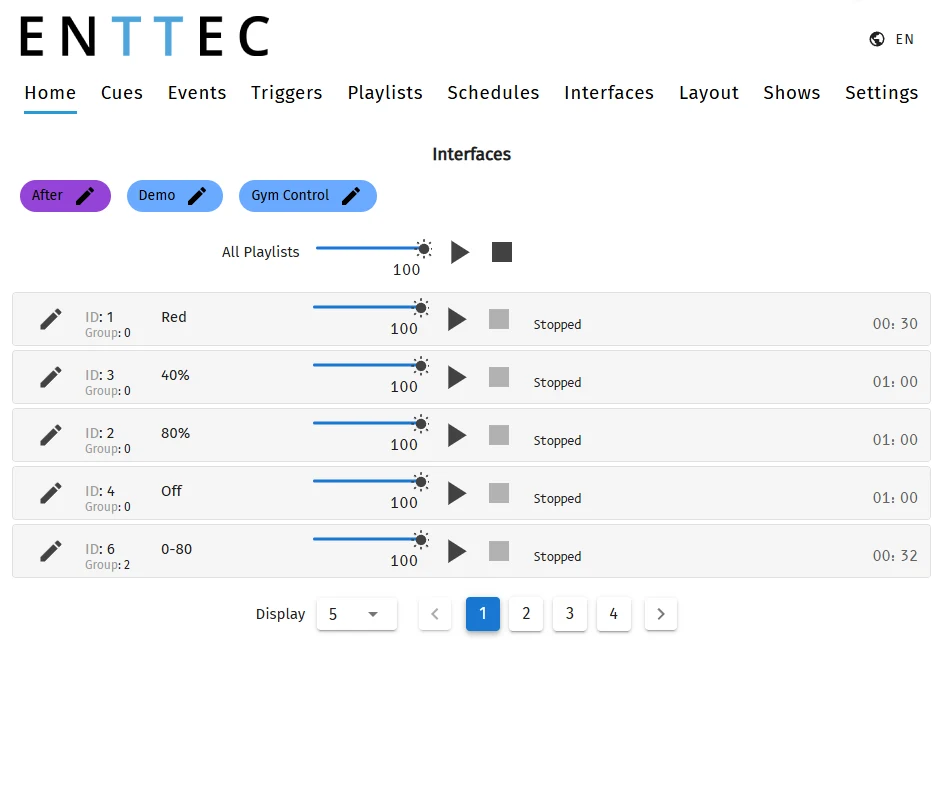 Home
Home
-
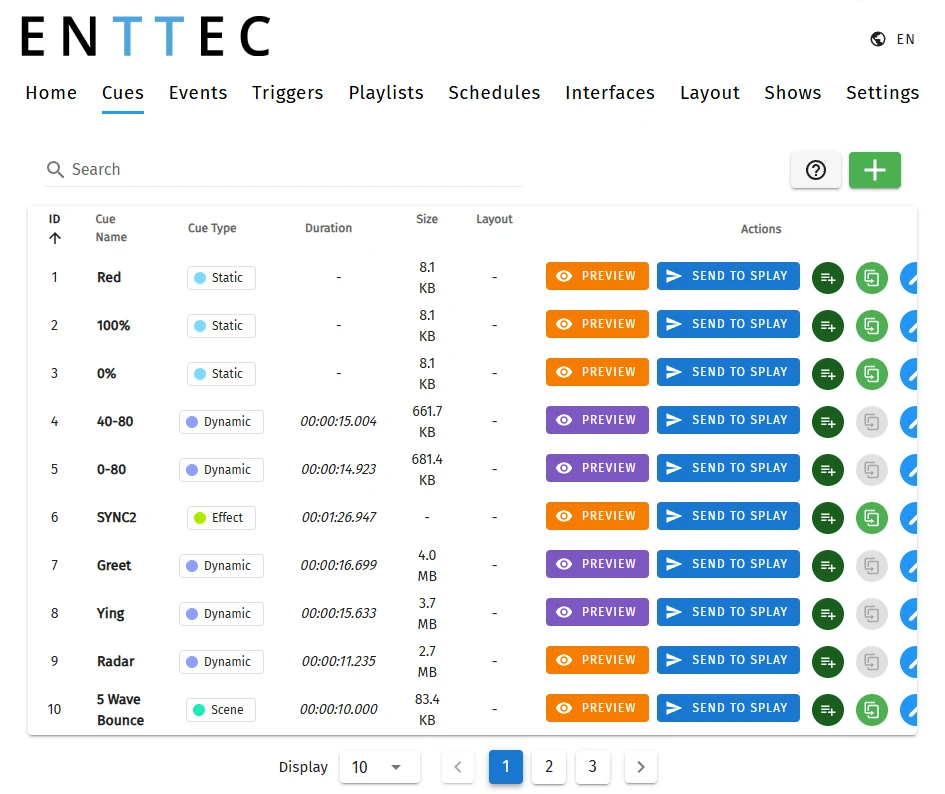 Cues
Cues
-
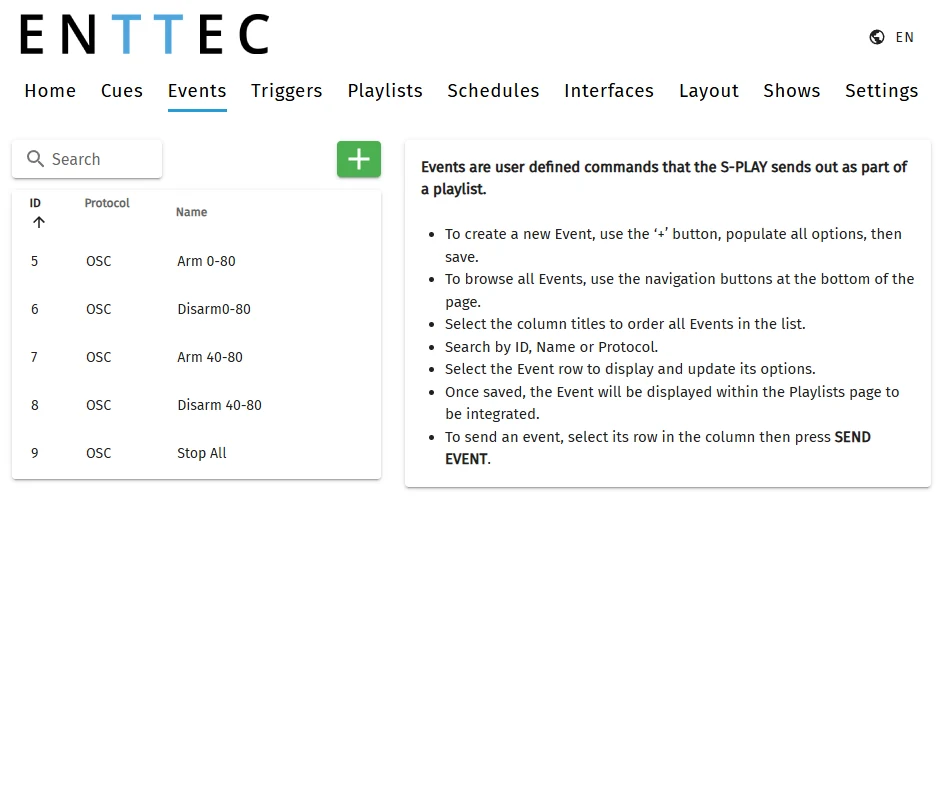 Events
-
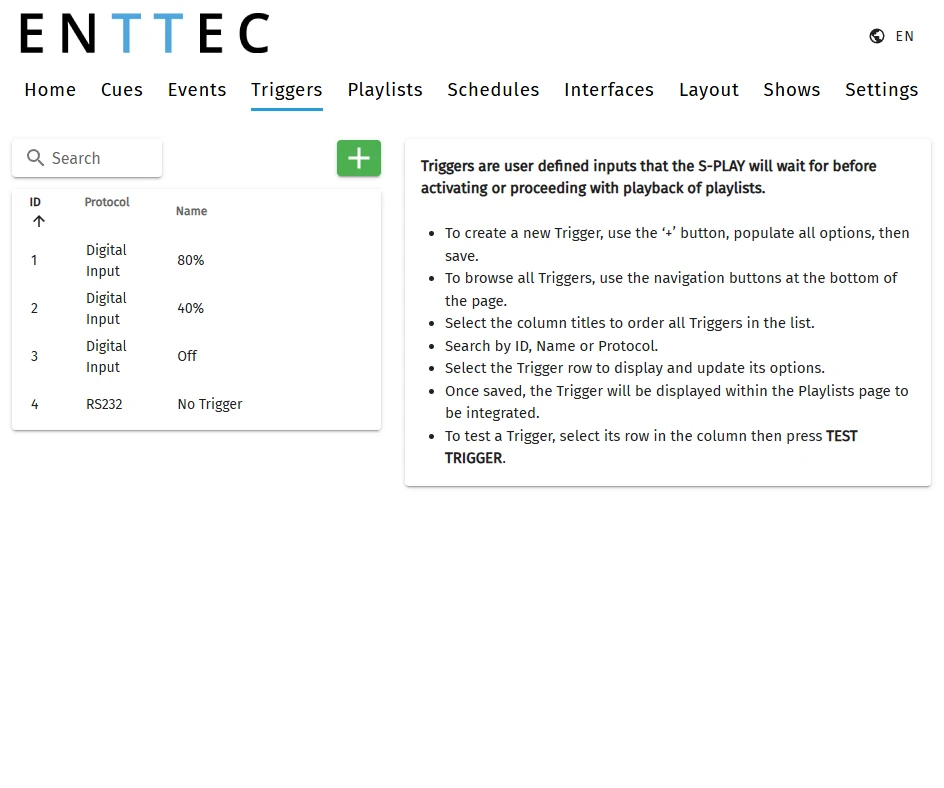 Triggers
-
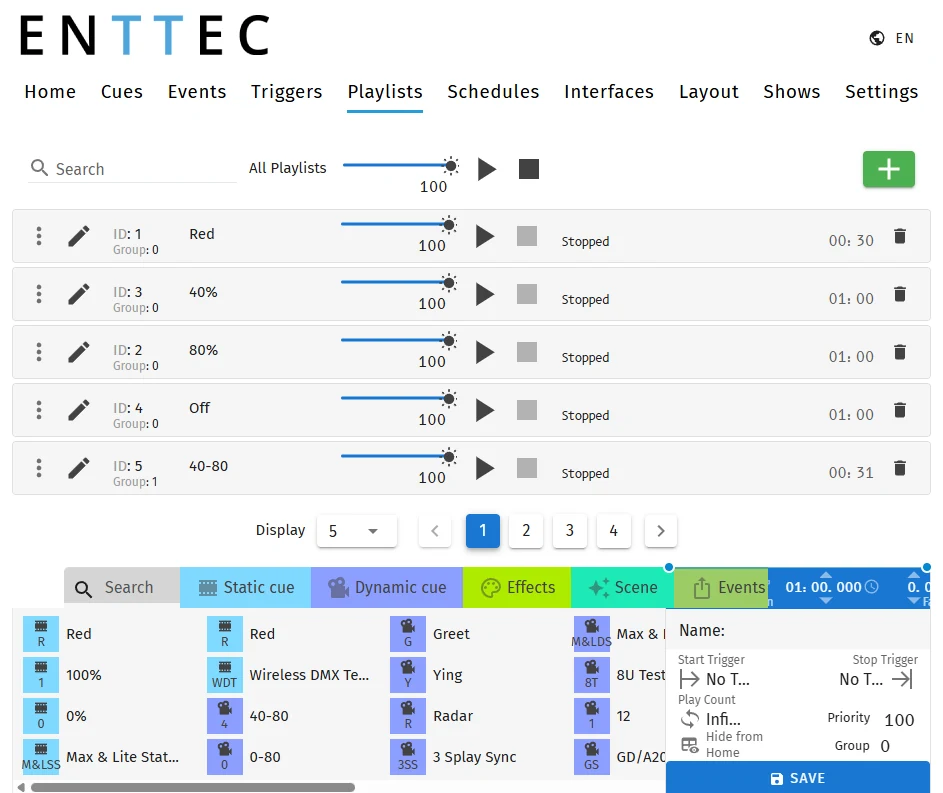 Playlists
-
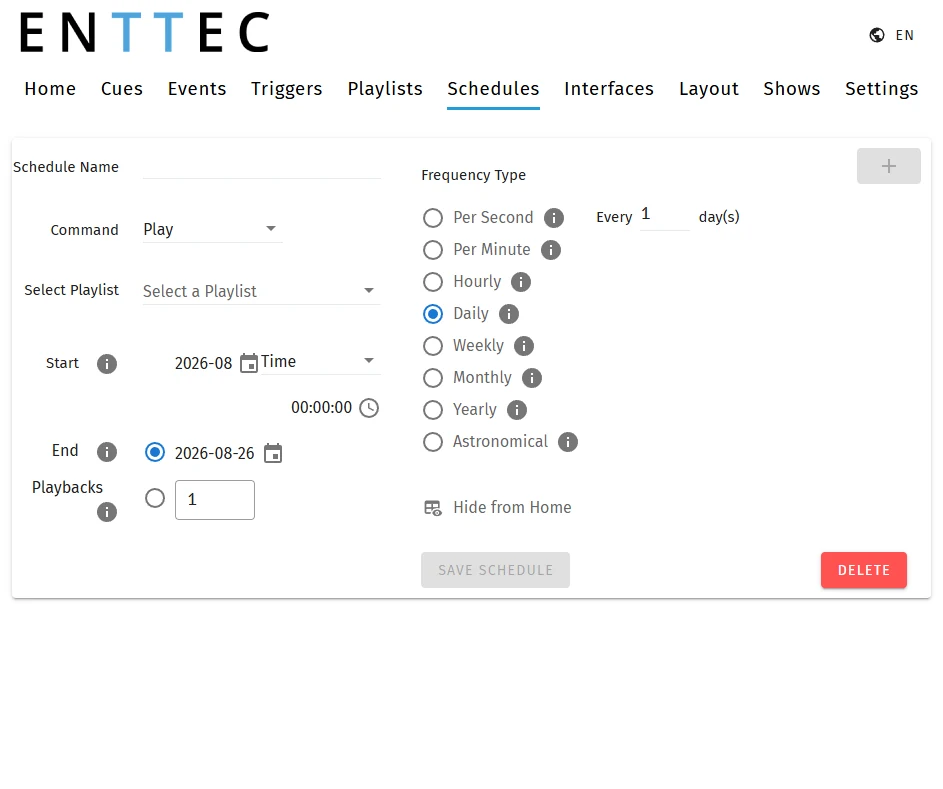 Schedules
-
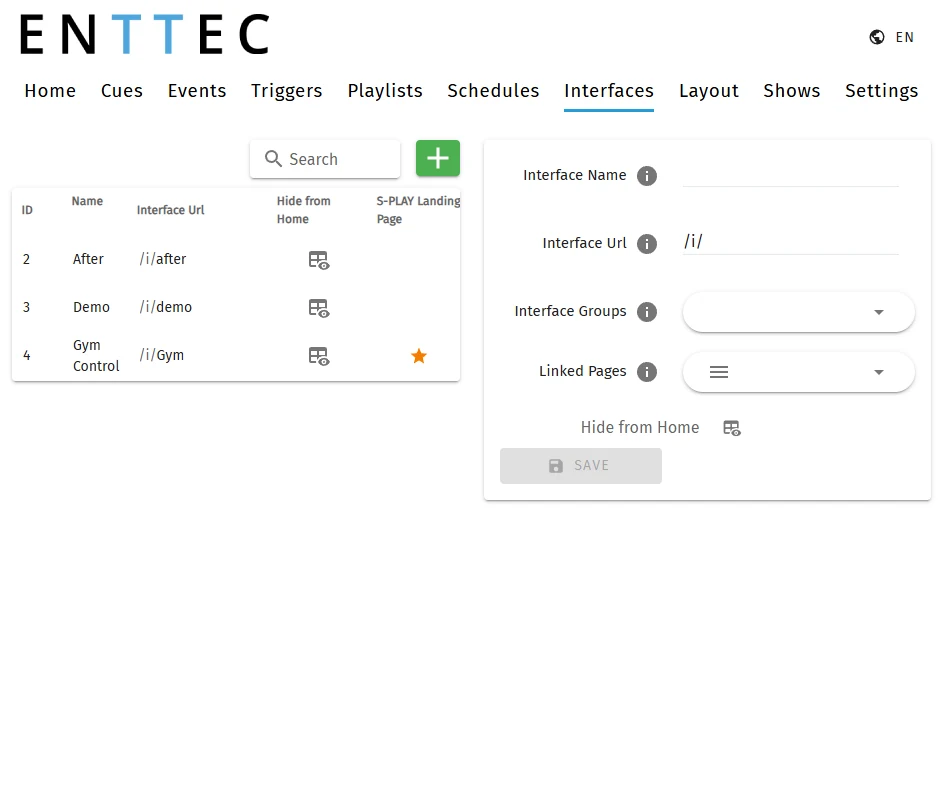 Interfaces
Try a cue on the real rig, commit nothing
Connect to an S-PLAY SP1-1 or LITE on the same network and your saved cues gain a Preview button. Press it and that one cue runs on the real fixtures. Nothing is written to the device until you deploy the show.

A show file you can hand over
Hand the client a .bak and the show outlives your laptop. If you cannot get on the site network, someone who is there can update it from the file.
Built for real installations
One company builds the software, builds the hardware, and answers the support ticket.
Figures for the S-PLAY SP1-1. The S-PLAY LITE takes 100 cues and 100 playlists over 16 universes.
Video
Let's get started!
Watch this tutorial as Kim and Luke build a show from scratch, from mapping the fixtures to deploying it to every S-PLAY on the network. Pick a chapter to jump straight to a step.
Resources
Download, requirements and manuals
S-PLAY Programmer
- No licence, dongle or activation
- Checks for updates on launch
- No account, and no internet needed to build a show
- Works with the S-PLAY SP1-1 and LITE on firmware 3.2 or later
System requirements
Other software
Discover our other software
-

ELM 2026
The ultimate, powerful, and intuitive 2D and 3D LED pixel mapping software solution. Up to 32,768 universes over Art-Net, sACN and KiNET, with seamless integration with your favorite hardware.
View product -

EMU
Lighting software for musicians and DJs: sync your lights to your DAW, or trigger cues live from MIDI. Free to start on Mac and Windows, with perpetual licensing.
View product